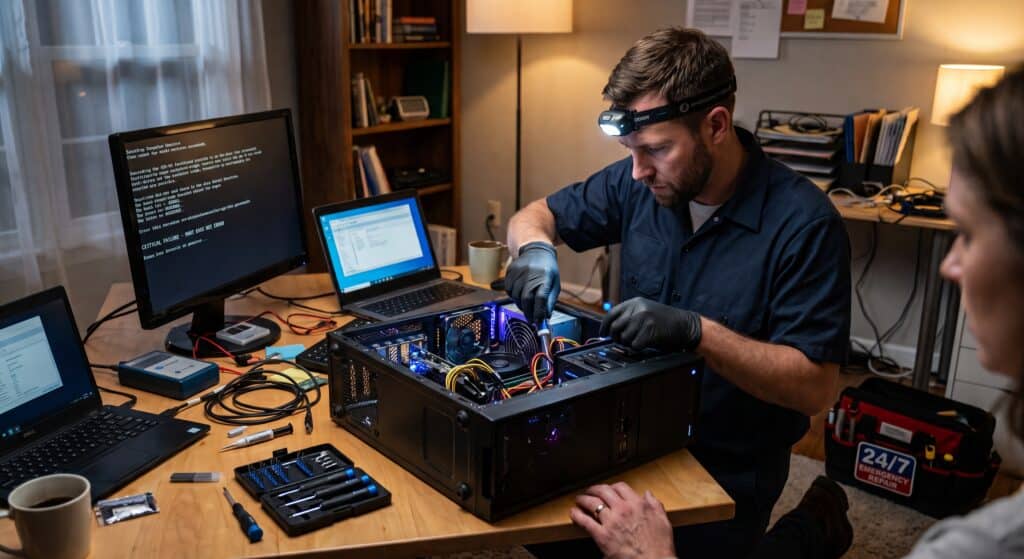
When your computer crashes unexpectedly, it can feel like everything comes to a halt. Whether you’re running a business in Toms River or working from home in Ocean County, a system failure can mean lost data, missed deadlines, and serious disruption. Knowing what to do in those critical moments—and having access to fast, reliable emergency computer repair—can make all the difference in getting back up and running quickly.
What Qualifies as a Computer Emergency?
Not every computer issue is urgent, but some situations require immediate attention.
Common computer emergencies include:
- Complete system crashes
- Blue screen errors
- Failure to boot or power on
- Ransomware or virus attacks
- Data loss or inaccessible files
- Network outages affecting business operations
If your issue stops you from working or puts your data at risk, it’s considered an emergency.
Immediate Steps to Take When Your Computer Crashes
Acting quickly—and correctly—can prevent further damage.
1. Stay Calm and Avoid Repeated Restarts
Repeatedly restarting your computer can worsen the issue, especially if hardware or system files are damaged.
2. Check for Basic Issues
Before assuming the worst, check:
- Power connections
- Monitor and cables
- External devices
Sometimes the issue is simpler than it appears.
3. Disconnect from the Internet (If Malware Is Suspected)
If you believe your system is infected:
- Disconnect Wi-Fi or Ethernet
- Prevent the spread of malware
- Protect your network
4. Document Error Messages
Take note of any error messages or unusual behavior. This information helps technicians diagnose the issue faster.
5. Avoid DIY Fixes for Serious Issues
Attempting complex repairs without expertise can lead to data loss or further damage.
Common Causes of Computer Emergencies
Understanding the cause helps prevent future incidents.
Hardware Failure
Components like hard drives, power supplies, or motherboards can fail unexpectedly.
Software Corruption
Operating system errors or corrupted files can prevent your computer from functioning properly.
Cyberattacks
Viruses, ransomware, and malware can lock or damage your system.
Overheating
Excess heat can shut down your system to prevent permanent damage.
Power Surges
Sudden electrical spikes can damage internal components.
Why Fast Emergency Repair Matters for Businesses
For businesses in Ocean County, downtime isn’t just inconvenient—it’s costly.
Emergency repair services help:
- Restore operations quickly
- Prevent data loss
- Minimize productivity disruptions
- Protect customer information
The faster the response, the less impact on your business.
Remote vs. On-Site Emergency Computer Repair
Remote Emergency Support
Ideal for:
- Software crashes
- Virus removal
- System errors
Benefits:
- Immediate access
- Faster resolution
- No need for travel
On-Site Emergency Repair
Necessary for:
- Hardware failures
- Power issues
- Physical damage
A professional IT provider can determine the best approach based on your situation.
How Emergency IT Services Work
When you contact a professional service like Executive Computer Systems Inc., the process is designed for speed and efficiency.
Step 1: Rapid Response
Immediate evaluation of your issue.
Step 2: Diagnosis
Technicians identify the root cause of the problem.
Step 3: Repair and Recovery
Systems are repaired, and data recovery is performed if needed.
Step 4: Prevention
Measures are implemented to reduce the risk of future emergencies.
How to Prevent Future Computer Emergencies
While not all issues can be avoided, many can be prevented with proactive steps.
Regular Maintenance
Routine system checks help identify potential problems early.
Data Backups
Always maintain up-to-date backups to protect against data loss.
Cybersecurity Protection
Install antivirus software and keep systems updated.
For more guidance, visit CISA Cybersecurity Resources.
Use Surge Protectors
Protect your equipment from electrical damage.
Monitor System Performance
Watch for warning signs like slow performance or unusual behavior.
Signs You Need Immediate IT Support
Don’t wait if you notice:
- Sudden system shutdowns
- Inability to access files
- Strange pop-ups or warnings
- Loud noises from hardware
- Complete loss of functionality
Immediate action can prevent further damage.
FAQs About Emergency Computer Repair
How quickly can emergency repair services respond?
Many providers offer same-day or immediate remote support for urgent issues.
Can data be recovered after a crash?
In many cases, yes—especially if professional help is sought quickly.
Is remote emergency repair safe?
Yes. Secure connections ensure safe and controlled access to your system.
What should I do if my computer won’t turn on?
Check power connections first, then contact a professional for diagnosis.
Can emergencies be prevented?
While not all can be avoided, regular maintenance and backups significantly reduce risk.
Get Emergency Computer Repair in Toms River, NJ
When your system crashes, every minute counts. Fast, professional support can mean the difference between a quick recovery and a major disruption.
Executive Computer Systems Inc. provides emergency computer repair services for businesses and residents in Toms River and throughout Ocean County.
Call now for immediate assistance and get your system back up and running fast.
Serving Toms River, NJ and surrounding communities.